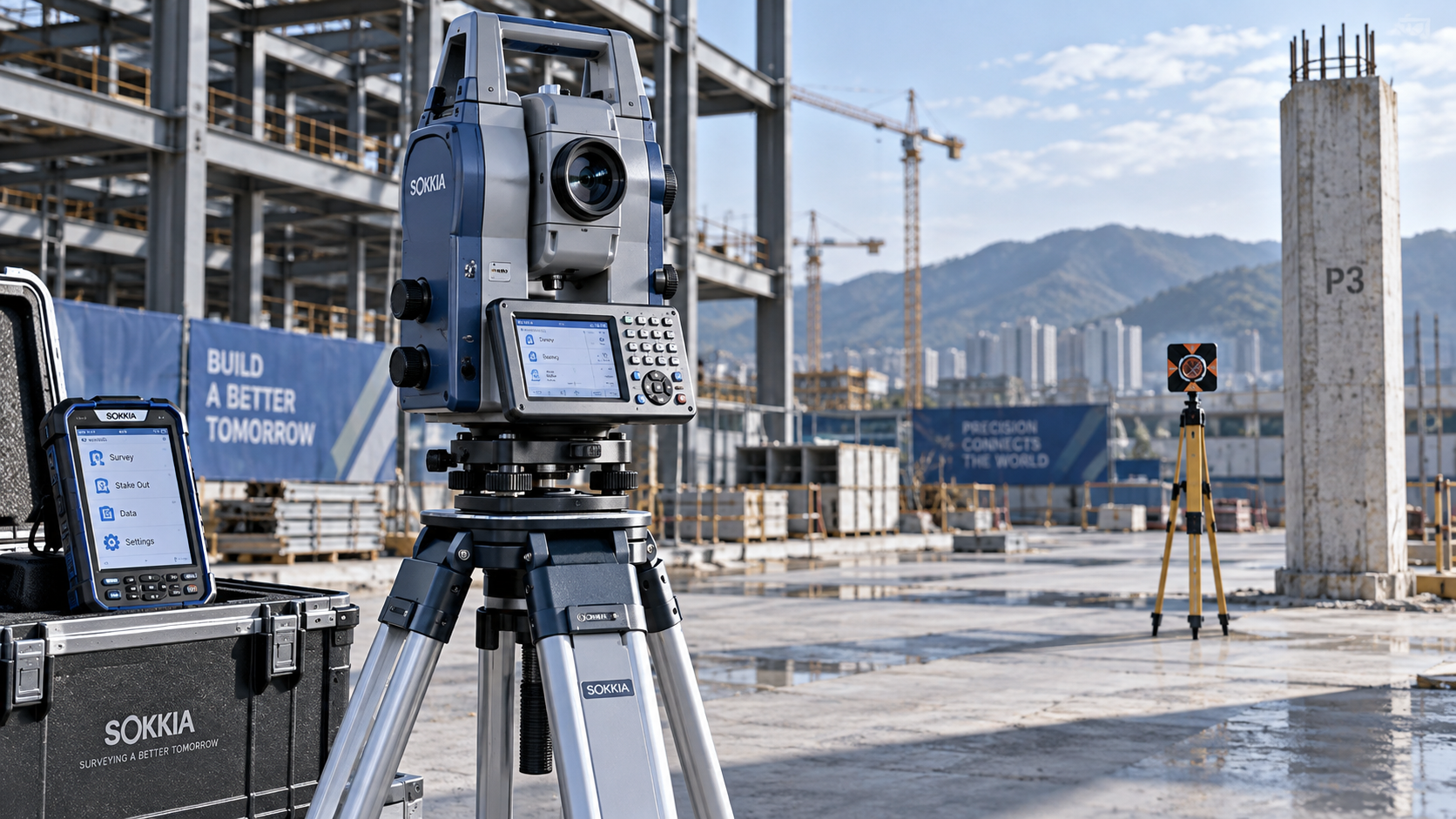
A bluetooth total station can streamline field data collection, but wireless capability alone does not guarantee a reliable surveying workflow or dependable measurement delivery.
For technical evaluators, the key questions are whether the instrument works with existing survey software and how consistently its connection performs under actual site conditions.
Software versions, supported communication protocols, controller compatibility, and obstacles between devices can all influence usability, even when a supplier describes the equipment as Bluetooth compatible.
The strongest purchasing decision combines documented software support with representative field testing, covering data integrity, connection recovery, operating distance, and the complete measurement workflow.
What Must Work Before a Bluetooth Total Station Is Worth Buying?
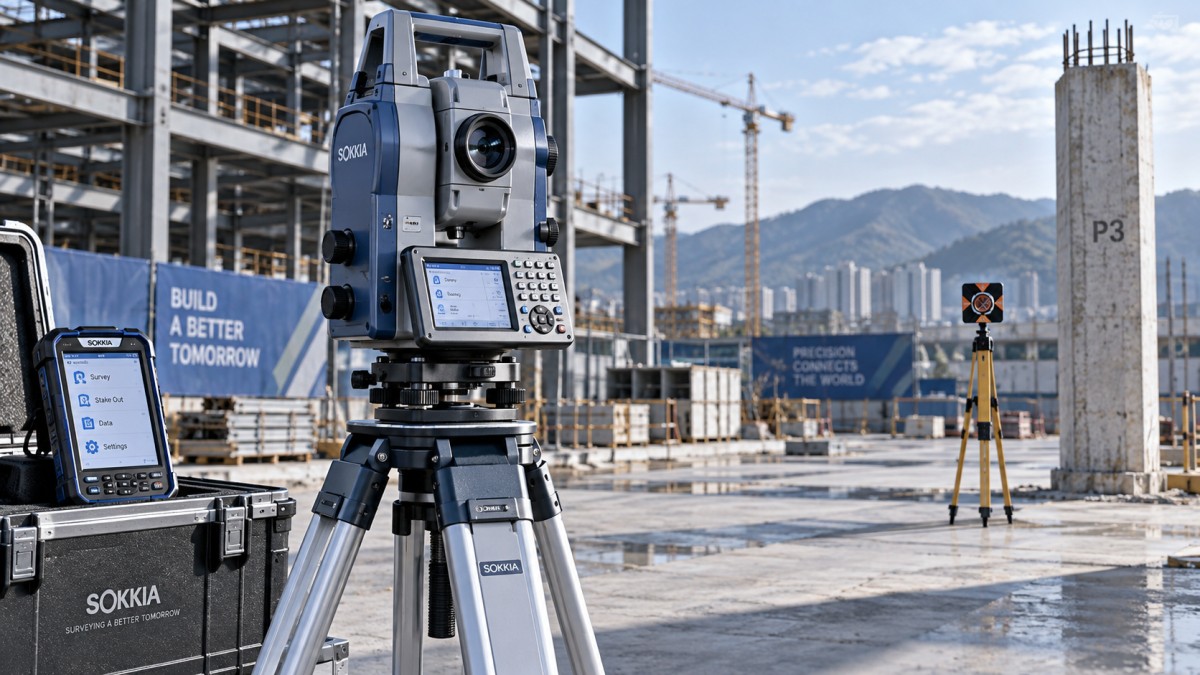
Start with the intended workflow: collecting measurements beside the instrument, performing construction stakeout, or operating a robotic instrument while moving independently across the site.
These applications place different demands on communication. Receiving coordinates requires fewer capabilities than controlling instrument orientation, managing target tracking, and completing remote stakeout operations.
A Bluetooth connection establishes a communication path; it does not establish that your software understands the instrument’s commands or supports every required surveying function.
Likewise, Bluetooth availability does not make a conventional instrument robotic. Motorized positioning, target search, and tracking require appropriate instrument hardware and supported software functions.
Evaluate three separate requirements: successful device connection, correct execution of required commands, and reliable handling of measurements throughout the complete field and office workflow.
Define mandatory functions before comparing products. Include angle and distance observations, station setup, point coding, stakeout feedback, and any remote controls your operators require.
This requirements list prevents an attractive wireless specification from outweighing a critical limitation, such as unsupported resection calculations or incomplete transfer of coded observations.
Will Your Existing Survey Software Support the Exact Configuration?
Compatibility should be confirmed for the specific instrument model, firmware release, survey application version, controller model, and controller operating system proposed for purchase together.
A statement that software supports a manufacturer’s instruments is insufficient. Different model generations can use different command sets, interfaces, or restrictions affecting available functions.
Request the software vendor’s supported instrument list and release notes. Ask suppliers to identify the exact driver or instrument profile used during their demonstration.
Some applications communicate through Bluetooth Classic serial connections, often using the Serial Port Profile. Others require different interfaces or manufacturer software components for communication.
Bluetooth Low Energy is a different communication approach. Its presence on a controller does not prove compatibility with an instrument expecting a Bluetooth serial connection.
Controller operating systems also matter. Pairing permissions, application access, interface support, and vendor restrictions can prevent an otherwise suitable hardware combination from working correctly.
Require a demonstration using your proposed controller and application. A successful connection through the supplier’s own software does not establish compatibility with your environment.
Can the Connection Support Your Complete Measurement Workflow?
Test a representative project from initial setup through final export. Simple point collection can conceal weaknesses that appear during stakeout, repeated observations, or complex coding.
Load known control points and verify coordinate order, angular units, distance units, prism constants, and height conventions before accepting any recorded measurements as valid.
Confirm where atmospheric corrections and other adjustments are applied. Incorrect configuration can omit a correction or apply it twice across instrument and software processing.
Compare displayed measurements with saved records, then inspect exported files. Check point identifiers, timestamps where available, feature codes, instrument heights, target heights, and observation details.
File extensions alone do not establish interoperability. A CSV export may omit raw observations or coding attributes needed for quality assurance and subsequent office processing.
Verify whether licensing enables all required functions. Instrument drivers, robotic control, advanced coding, cloud synchronization, or office exports may depend on separately purchased modules.
Also test offline operation. Measurement collection and essential project access should remain available wherever your operating requirements include sites without dependable internet or cellular service.
What Does the Advertised Bluetooth Range Actually Mean?
There is no single dependable operating distance for every bluetooth total station. Practical range depends on both devices, their antennas, surroundings, and operating conditions.
Bluetooth version numbers do not establish usable surveying distance. Transmitter characteristics, receiver sensitivity, antenna placement, and implemented communication modes influence the complete connection together.
A supplier’s maximum range may describe unobstructed conditions. It should not automatically become your acceptance distance for reinforced buildings, industrial plants, or congested construction sites.
Steel equipment, reinforced concrete, vehicles, and the operator’s body can weaken the connection. Controller position and instrument orientation may change performance at the same distance.
Bluetooth commonly operates in the shared 2.4 GHz band. Nearby wireless activity can affect performance, although its practical impact must be established through testing.
Define usable range as the distance at which required commands and measurements remain dependable. Merely maintaining a paired status does not satisfy this requirement.
For robotic workflows, distinguish Bluetooth distance from the range of any separate radio link. Also distinguish communication range from distance measurement and target tracking specifications.
How Should You Test Range Under Real Site Conditions?
Build the range test around actual operator positions and movement. Include the longest expected working separation and locations where temporary obstruction is operationally unavoidable.
Begin with an unobstructed baseline, then repeat measurements around representative barriers. Record distance, device orientation, controller placement, surrounding activity, and any changes in conditions.
Use a fixed, verified target where possible to separate communication behavior from target acquisition problems. Evaluate robotic movement and tracking in additional workflow tests.
At each location, issue repeated measurement requests and verify that the correct observations reach the application. Include stakeout updates when they are operationally required.
Measure command response times, unsuccessful requests, disconnections, and recovery times. Evaluate delays against the workflow’s needs, especially when operators depend on timely stakeout feedback.
Test normal controller carrying positions and practical obstructions. A connection that succeeds only with the controller held unusually high may be unsuitable for routine work.
Repeat critical conditions sufficiently to expose intermittent failures. One successful observation at the advertised maximum distance provides little evidence of reliable performance throughout a shift.
What Happens When Bluetooth Disconnects During Measurement?
Connection recovery deserves the same attention as maximum distance. Short interruptions can become costly when they force repeated setup or leave operators uncertain about saved observations.
Introduce a controlled interruption during testing by moving beyond the working boundary or disabling the connection. Follow supplier instructions and maintain safe control of equipment.
Determine whether the application reconnects automatically, requires manual intervention, or needs restarting. Confirm whether the instrument and controller retain the active project and station settings.
After reconnection, check point numbering, station orientation, target height, and measurement status. Recovery should preserve correct context without silently reusing outdated values or observations.
Verify how the application handles a measurement requested immediately before disconnection. The operator should be able to determine whether that observation was saved successfully.
Check for missing records, duplicate points, and stale displays. An explicit connection warning is more useful than an interface that appears operational while communication has stopped.
Where supported, evaluate instrument storage and cable connections as fallback options. Confirm the recovery procedure preserves traceability and allows collected observations to be reconciled.
What Acceptance Criteria Should Appear in the Purchase Specification?
Translate test findings into written acceptance requirements. Name the equipment configuration, software versions, mandatory functions, operating environments, and deliverables covered by the purchasing decision.
Specify the required working distance under stated conditions. Use the separation your projects demand, supported by test evidence, instead of adopting an arbitrary universal distance.
Set response and recovery limits according to operational needs. Routine topographic collection and continuously updated stakeout may require different thresholds for acceptable communication delays.
Keep measurement accuracy and communication reliability as separate acceptance items. A reliable link cannot compensate for an instrument that fails the project’s measurement requirements.
Agree how missing, duplicated, or incorrect observations will be evaluated. Every accepted test observation should reconcile with the project record under the agreed procedure.
Assign responsibility for troubleshooting across the instrument supplier, controller provider, and software vendor. Establish an escalation route before an integration issue interrupts production work.
Include a practical support arrangement for software and firmware updates. Require compatibility checks before changes reach field controllers, particularly where multiple crews share standardized configurations.
- Exact instrument, firmware, controller, operating system, application, and license configuration.
- Demonstrated support for every mandatory surveying function and required export format.
- Verified communication performance at defined distances and representative site locations.
- Documented interruption behavior, recovery procedure, and observation reconciliation results.
- Agreed technical support ownership, update process, and operator training requirements.
Which Tradeoffs Matter Most When Comparing Suppliers?
Compare total deployment cost, including software licenses, controllers, accessories, training, support, and integration effort. Lower instrument pricing may be offset by workflow changes elsewhere.
Give greater weight to demonstrated compatibility than to a longer advertised wireless range. Unsupported functions can make an otherwise capable instrument unusable for your application.
Existing equipment standards can simplify training and support, but assess each proposed model individually. Familiar branding does not guarantee identical drivers or communication behavior.
For demanding robotic workflows, evaluate the communication options designed for that application. Bluetooth may suit nearby data collection while another supported link serves greater separation.
Request relevant documentation for environmental protection, operating temperatures, and applicable product conformity. These requirements support deployment decisions but do not establish software compatibility or usable range.
Ask suppliers to retain the demonstration configuration and provide test records. This creates a reference when delivered equipment behaves differently or later updates affect performance.
The preferred supplier should explain limitations clearly and reproduce results using your workflow. That evidence supports a defensible technical recommendation and more predictable field deployment.
Making the Final Selection
Choose a bluetooth total station only after its complete configuration proves compatible with your survey software and reliable across the working conditions your projects require.
Base the decision on supported functions, verified data handling, usable communication distance, and predictable recovery. Treat each as a requirement that can be demonstrated.
A structured acceptance trial turns broad wireless claims into procurement evidence. It also reveals whether controller changes, additional licenses, or alternative communication options are necessary.
The strongest choice preserves accurate observations and keeps crews working through realistic site conditions, with documented support arrangements that protect the workflow after delivery.